PEAK — a photo library and client galleries for photographers
What it is
A quiet place to keep the photographs you care about, and a better way to hand them to someone else.
Peak is made by a photographer, for photographers. Every part of it exists because the work deserves to be kept at full size, found again months later, and shared on its own terms rather than somebody else’s.
Start your library → Plate I
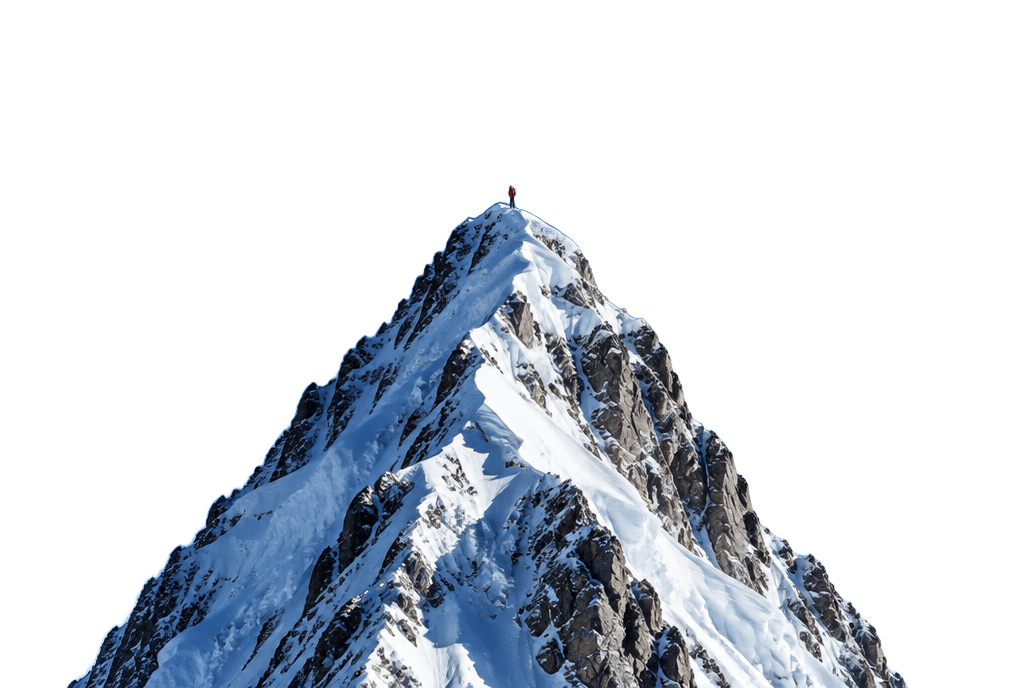
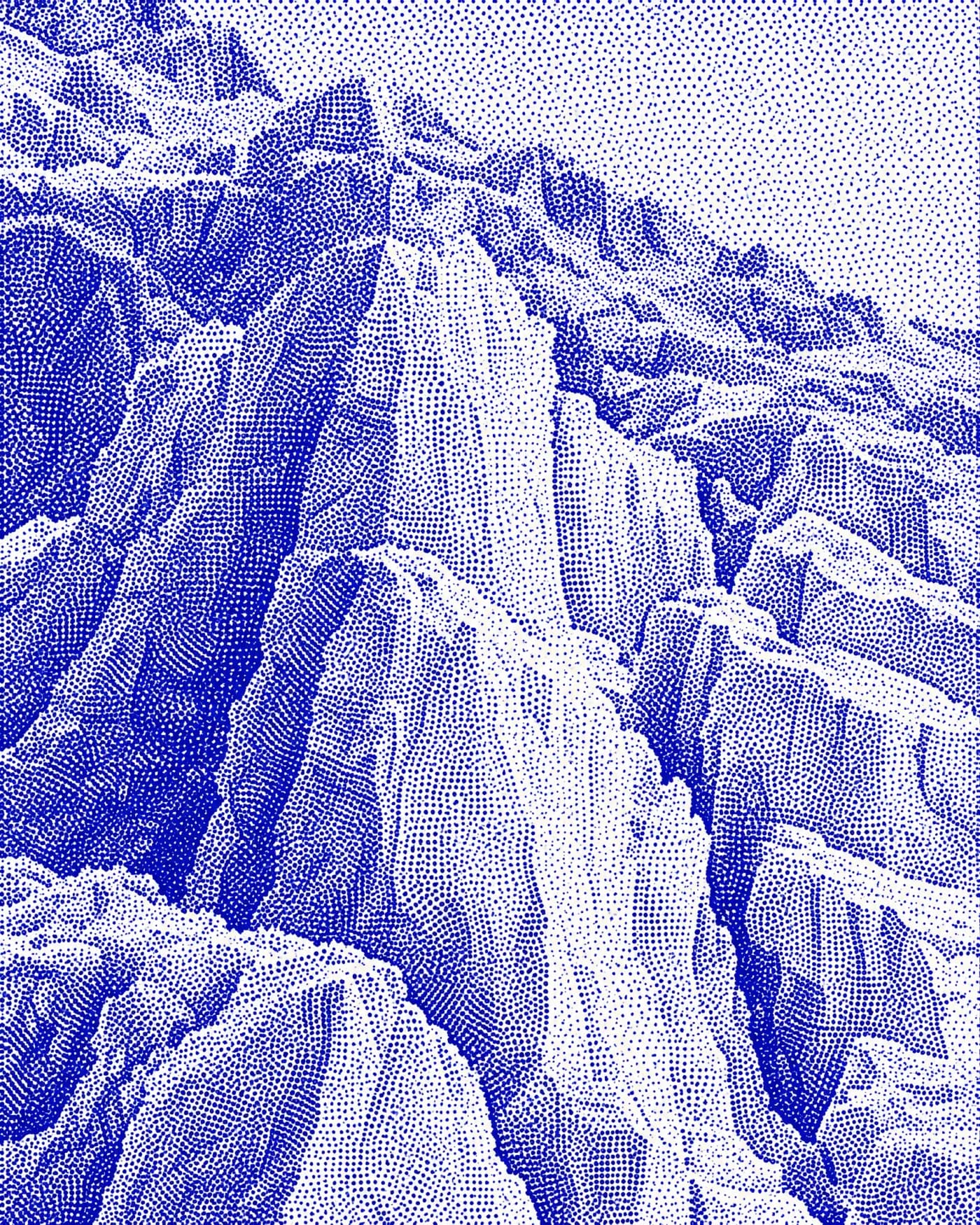
The ridge
6000 × 4000 px
24.1 MB, untouched46°33′N / 8°02′E
The library
Everything you have shot, in one place, and findable.
- 01
Stored whole, synced as you go
Full-resolution originals in object storage, uploaded straight from the browser. Nothing is re-compressed into someone else's feed, and the same library opens on any machine you sign in from.
- 02
Stars, picks and rejects
The edit pass runs from the grid, on the keyboard. It is the thing you do most, so it is the fastest thing in the app.
- 03
Tags that hold up
Free-form tags, normalised and reusable, so a library of ten thousand frames is still a library and not a pile.
- 04
Find one like this
Every frame is indexed by what it looks like. Open a photograph and the ones that rhyme with it are already alongside — the same moment separated from the mere resemblance.
- 05
Search by colour
Pick a swatch and the library answers by palette: five dominant colours a frame, weighted by how much of it they cover, matched the way an eye reads difference.
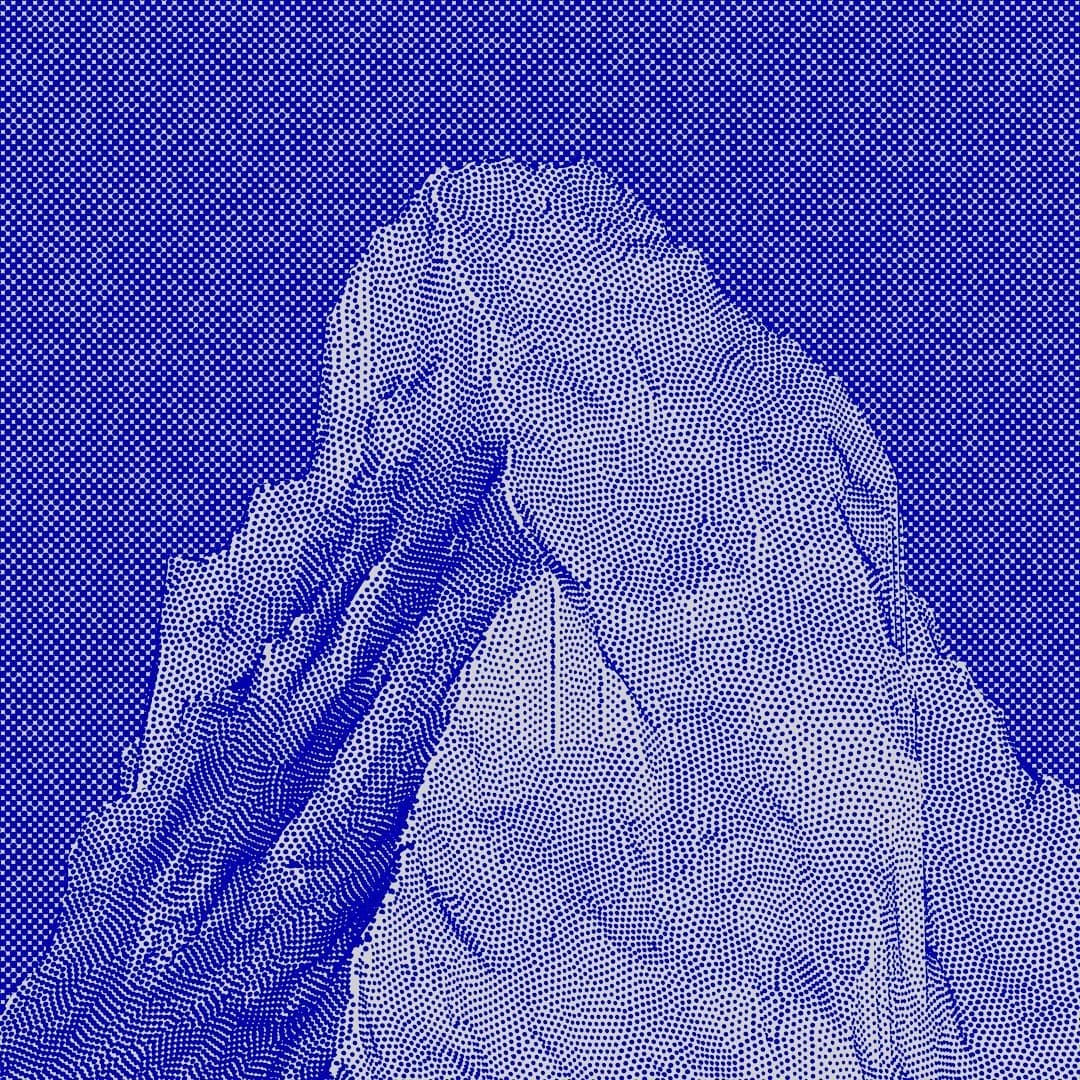
This plate, as Peak reads it
Five colours, and how much of the frame each one covers. Search for a blue and this is the answer it is weighed against — a match on the colour that fills the frame outranks one on a colour in a corner.
- 01oklch(0.423 0.188 274.0)27.6%
- 02oklch(0.451 0.176 275.7)24.7%
- 03oklch(0.621 0.095 281.5)23.8%
- 04oklch(0.676 0.073 282.4)15.6%
- 05oklch(0.536 0.134 279.2)8.3%
Collections
A shoot, a series, a year.
Group the frames that belong together and give the group a name. A photograph can sit in as many collections as it belongs to without being copied, and a roll can be dropped straight into one — the import and the grouping are the same gesture.
This is the selection that everything below is built on: a collection is already the set you would want to send.
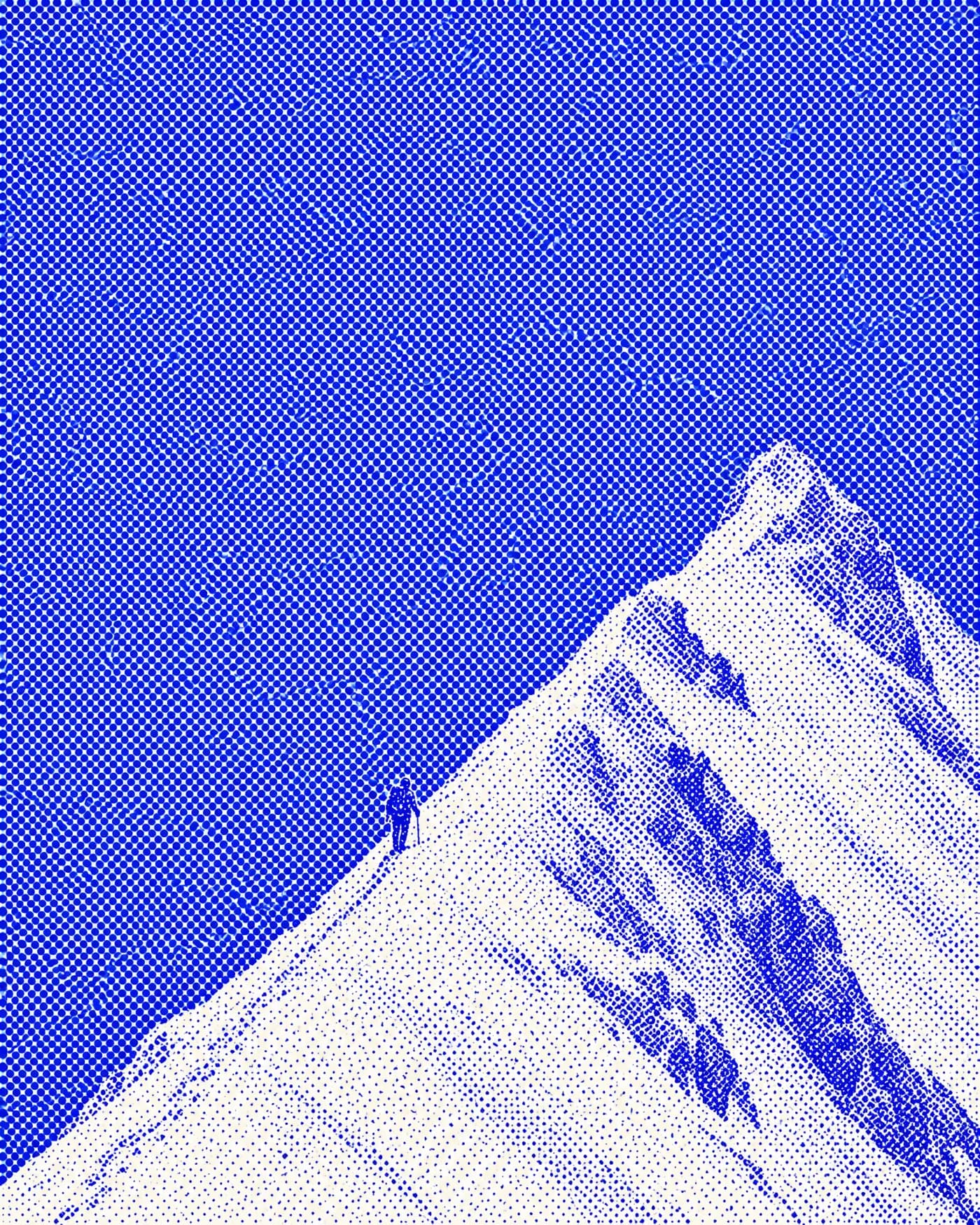
A shoot
The north ridge
36 frames
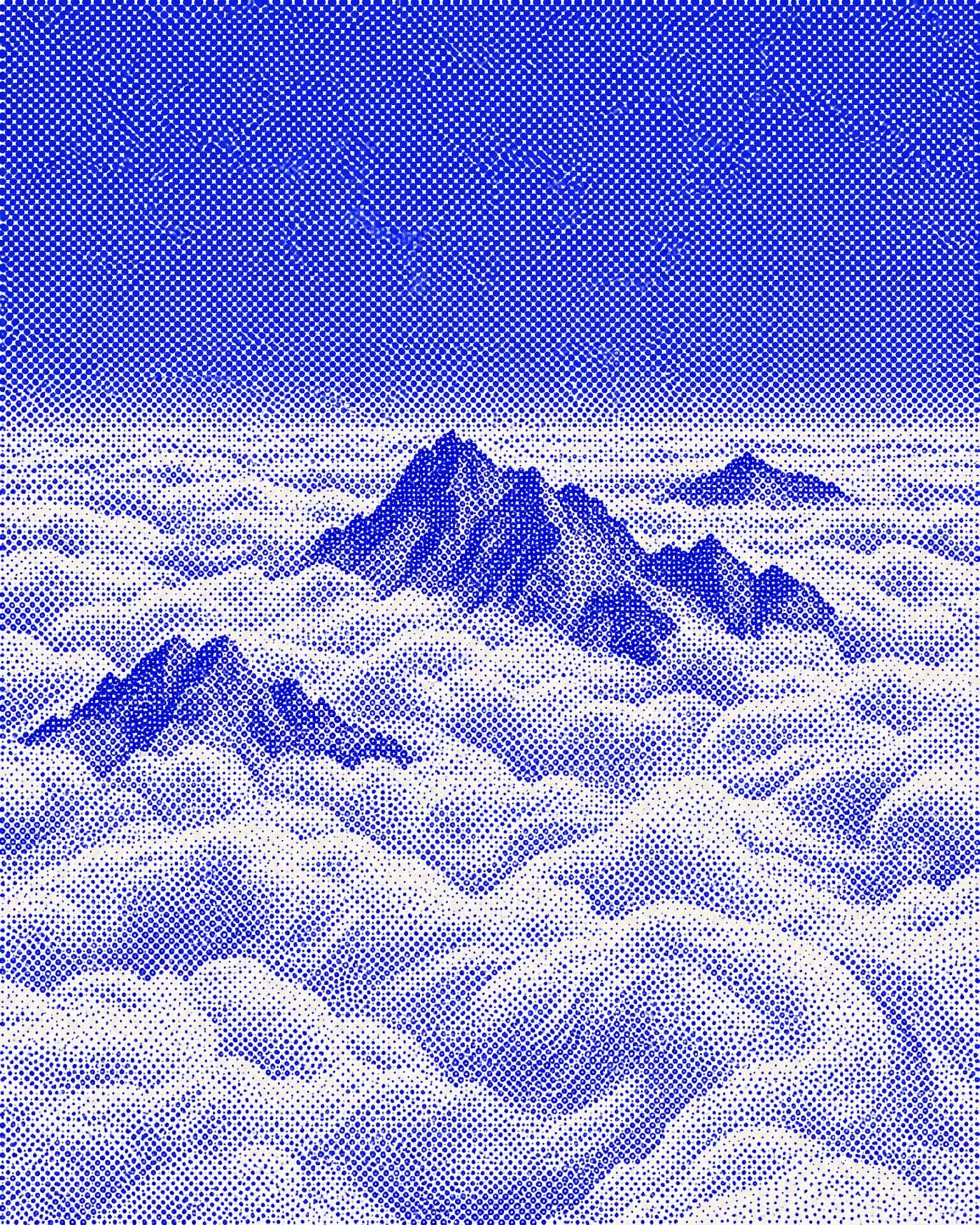
A series
Above the weather
4 rolls
A year
2026
1,204 frames
RoomsLive
Hand a shoot to the people in it.
A room is a selection shared with your clients: they look, pick and talk it over, and take home the originals. It lives apart from your library, so they never see more than you put in it.
PEAK
Studio Marin shared 312 photographs with you
Léa & Hugo, the wedding
Open until 18 November
Open the roomSent with Peak
- Their own copy
- A room is filled from a collection, a selection, or straight from the browser, and keeps its own copy of every frame. Tidy the library afterwards and the room does not notice.
- By invitation
- Invite by address and your clients sign in with a code we mail them — no password to invent. Or let in anyone with the link; they sign in the same way.
- Picks, stars, a conversation
- They choose, rate and comment, with # to point at a frame. You decide whether they see each other’s choices or only their own.
- Downloads, your way
- Off, one by one, or the whole room as a single zip, whatever its size. The location stays in the files unless you remove it — and removing it re-encodes nothing.
- Activity, and an end
- Who came, what they picked, the frames chosen most. A room closes on the date you set; you are told when somebody new arrives or writes.
Coming next
Not dated
More ways out, without giving the work away.
- Sending files
- The WeTransfer gesture: files in, a link out, and nobody asked to make an account on the other end — for what is a delivery rather than a selection to choose from.
- Instagram, scheduled
- Connect the account, read the feed back inside Peak, and queue a frame to go out at a chosen minute. The library already knows what is picked, rated and captioned.
- A page of your own
- A curated, permanent set at a public address — the shop window rather than the one-off delivery.
Pricing
Free to start. Pay when the library outgrows it.
Free
$0
For trying Peak on real work.
- A 5 GB library — around 1,400 finished JPEGs
- Every search: colour, similar frames, bursts, duplicates
Pro
$24 / month
For a working photographer.
- A 400 GB library — around 110,000 finished JPEGs
- As many rooms as you like, 50 GB each, open up to 90 days
Studio
$49 / month
For a studio’s whole archive.
- A 1.5 TB library — around 420,000 finished JPEGs
- As many rooms as you like, 100 GB each, open up to 1 year
Prices are in US dollars and exclude sales tax, which is added at checkout where it applies, from your billing address. Peak is sold and invoiced by Sorbey SAS; payments are handled by Stripe.
Every plan, side by side →Questions
What photographers ask before they start.
What is Peak?
Peak is a photo library for photographers that runs in the browser. It keeps full-resolution originals, lets you cull them with stars, picks and rejects, finds them again by colour or by visual resemblance, and shares a selection with clients in rooms where they pick, comment and download. It is made by a photographer and published by Sorbey, a company based in Paris.
How can my clients choose their favourite photos?
In a Peak room. You fill it from a collection or a selection, invite clients by email, and they pick, give 0 to 5 stars and comment on each frame. The room’s activity shows the frames chosen most, and Peak emails you when somebody arrives or writes.
Client galleries your clients will actually use →How to deliver a photo shoot to a client →
Do my clients need an account or a password?
No password. Clients sign in to a Peak room with a link or a short code sent to their email address, and see only the rooms shared with them — never your library.
Does Peak keep my photos at full resolution?
Yes. Peak stores every upload as the original file and never recompresses it: the bytes you upload are the bytes you download, EXIF included. Smaller previews are made separately for the grid.
Can I remove the GPS location before sending photos to a client?
Yes. Turn on Remove location in a Peak room and the GPS and place data are stripped from the room’s copies of JPEG, PNG, WebP, TIFF and DNG files, without re-encoding them. HEIC files, RAW files and videos are left out of such a room rather than delivered with their location. The originals in your library stay untouched.
Remove the location from a photo →Client galleries your clients will actually use →
Can I search my photos by colour?
Yes. Pick any colour, or several, and Peak ranks your photographs by how much of each picture that colour covers, from five dominant colours per frame compared in the OKLab colour space.
Search your photographs by colour →Get the colour palette of a photograph →
Can Peak find similar photos and duplicates?
Yes. Open a photograph and Peak shows the ones that look like it, with a burst of one moment told apart from a mere resemblance. A file already in your library is recognised before the upload starts and skipped.
Which files can I upload? Does Peak support RAW?
Peak accepts JPEG, PNG, WebP, AVIF, HEIC, TIFF and the common RAW formats — DNG, CR2, CR3, NEF, ARW, RAF, ORF and RW2 — and keeps each as the original. Peak is made for finished work, though: browsers cannot draw RAW and TIFF files, so those frames get no thumbnail, colour search or duplicate check. Videos — MP4, MOV, WebM and the other common containers — go in too, kept as the original; your browser draws a still frame for the grid, colour search and duplicates, and a 720p copy to play.
Where are my photos stored, and are they used to train AI?
Peak stores originals on Cloudflare R2 under EU jurisdiction. Colours, duplicate fingerprints and visual descriptions are computed in your browser or on Peak’s own server: no photograph is sent to an AI provider, and none is used to train a model.
How much does Peak cost?
Peak has a free plan and two paid ones. Free keeps a 5 GB library with every search feature and 2 client rooms open at once. Pro is €19 a month or €190 a year — $24 and $240 in the United States — for a 400 GB library and rooms without the Peak credit; Studio is €49 a month or €490 a year ($49 and $490 in the US), for 1.5 TB and larger rooms that stay open up to a year. Prices exclude VAT or sales tax, which is added at checkout, and plans are sold and invoiced by Sorbey, the company that publishes Peak.
Is Peak an alternative to Pixieset or Google Photos?
For a photographer’s archive and client proofing, yes. Peak starts from your whole library rather than a gallery per client, and keeps originals whole where a phone’s camera roll would compress them. It has no print store, website builder or phone backup, so many photographers use it alongside those tools.
Peak and Pixieset start from different places →Google Photos is for a camera roll. Peak is for your work. →A folder link delivers files. A room delivers a shoot. →
Does Peak work on a phone?
Yes. Peak runs in the browser on a computer, tablet or phone, with nothing to install, and the same library opens wherever you sign in. Clients open their rooms on a phone the same way.